Think about the last time you couldn't reach a business. The phone rang out, the website wouldn't load, or someone on the other end said, "Sorry, our systems are down." Over the last few weeks, a lot of businesses have had to say that sentence, and not only the big ones.
In November, attackers went after the tools businesses trust most: websites, VPNs, remote-access software, email and even phone platforms. You can't stop every attack. You can decide how bad a bad day gets. Two things make the difference: backups you have actually tested, and an IT team that patches quickly and answers when something breaks.
Your customers never see your servers, your firewall or your backup schedule. But they notice right away when they can't call you, can't place an order, or get an email saying their information may have been exposed. Technology is part of your customer experience, and security is part of your technology.
What happened in the last few weeks
Here is a short, plain-English recap of what we tracked this month. None of these organizations chose to be a target. They were using common software on an ordinary workday.
- Trusted websites ran someone else's code. On November 16, attackers got into Optimizely, a tool many large websites use to test page designs, and slipped malicious JavaScript into customer sites. Researchers tied it to 178 organizations, including the BBC, CNN, Zoom and HSBC. The code tried to skim card details and swap cryptocurrency wallet addresses.[1]
- WordPress sites were attacked through their own update process. CISA confirmed on November 3 that attackers were exploiting a WordPress Core flaw that lets them run code on a server during an update, without logging in. It affects versions 4.7 through 7.1.3.[2]
- MFA on the VPN wasn't always enough. On November 6, SonicWall patched an exploited SSL-VPN flaw that can let someone with valid credentials skip multi-factor authentication enforced through SAML. There is no workaround. Patching is the fix.[3]
- Remote-access tools were turned against customers. ConnectWise disclosed on November 11 that ScreenConnect partner accounts were accessed and unauthorized remote-access software showed up in customer environments. It disabled five third-party extensions it linked to the activity.[4]
- Phone and email systems were on the list too. CISA's list of actively exploited flaws this month included Cisco BroadWorks (a cloud calling platform), the FreeSWITCH telephony engine, Microsoft Outlook and Barracuda's email security gateway.[5][6]
- Large organizations went dark for days. On November 9, Vanderbilt University told staff and students to shut down university devices and warned that full restoration could take weeks. European Commission staff couldn't reach their HR system for several days after an attack disclosed this week.[4][7]
Closer to home, this isn't new for Michigan either. Earlier this year, state officials confirmed that nine Michigan water systems were targeted in a coordinated cyberattack.[8]
Backups: the difference between a bad day and a lost business
Two incidents this month show both sides of the story. When Brazil's Santos Port Authority was hit after a power outage, it had recovered about 70% of its file backups within a week and kept the port running. At Beget, a Russian hosting company, attackers reached the management systems and ran wiping scripts that destroyed customer data and the virtual server backups along with it.[4]
The lesson is simple: a backup that lives on the same network, behind the same passwords, can be erased in the same attack. A solid backup plan for a small or mid-sized business looks like this:
- Keep at least one copy that can't be changed or deleted. An offline or "immutable" copy that an attacker can't touch, even with your admin password.
- Keep a copy off-site or in the cloud. A fire, flood or stolen server shouldn't take your data with it.
- Back up Microsoft 365 and your cloud apps. Your email and shared files are your data, and keeping copies is your responsibility.
- Test a restore on a schedule. A backup you've never restored is a hope, not a plan.
- Know your recovery time. How many hours can you run without email, phones or your main business application? Build the plan around that number.
Why the team behind your technology matters as much as the tools
Almost every story above follows the same timeline: a fix is released, and attackers move before many businesses install it. WordPress shipped its patch on October 28. Within days, attackers were scanning for sites that hadn't updated, and CISA confirmed active exploitation on November 3.[2]
Most business owners don't have time to read security bulletins between payroll and customer calls. They shouldn't have to. That's the job of your IT team. A good IT partner:
- Watches the alerts that apply to your equipment and patches firewalls, VPNs, servers and websites quickly.
- Confirms that MFA works the way you think it does.
- Reviews who and what has remote access to your network, including tools your vendors use.
- Checks your backups every day and runs real restore tests.
- Answers the phone when something looks wrong, and already has a plan for when something is wrong.
How the last few weeks looked at Wizcom
I'll be honest: it's been a busy month. Since early November, our phones and inboxes have been full of clients asking the same question: "Are we affected?"
For every alert, our team did the unglamorous work. We checked which clients were running the affected software, applied the updates, confirmed VPN and MFA settings, looked for signs of unwanted access and verified that backups could actually be restored. When something needed attention, we fixed it and told the client in plain English what we found and what we did. No panic, no jargon, no surprise invoices for things that weren't needed.
Wizcom has been doing this since 1983. In more than 40 years, our firm has watched technology move from standalone PCs to the cloud, and the threats have changed right along with it. What hasn't changed is the approach that works: stay calm, act quickly, and make sure you can always recover.
What Wizcom can do for your business
- Managed IT Services. Monitoring, patching and a help desk run by people who know your systems and your business by name.
- Cloud Solutions and backup. Off-site and cloud backups, Microsoft 365 backup and scheduled restore tests, so recovery is a process and not a gamble.
- Network Infrastructure. Firewalls, VPNs and Wi-Fi that are configured correctly and kept up to date.
- VoIP and Unified Communications. A phone system that keeps working when the office doesn't, with calls that can route to mobile phones during an outage.
- Web and App Development. Websites that stay updated, third-party scripts that get reviewed, and secure customer portals.
- IT Consulting. A clear review of your risks and a plan that fits your size and budget.
Local people you can actually call
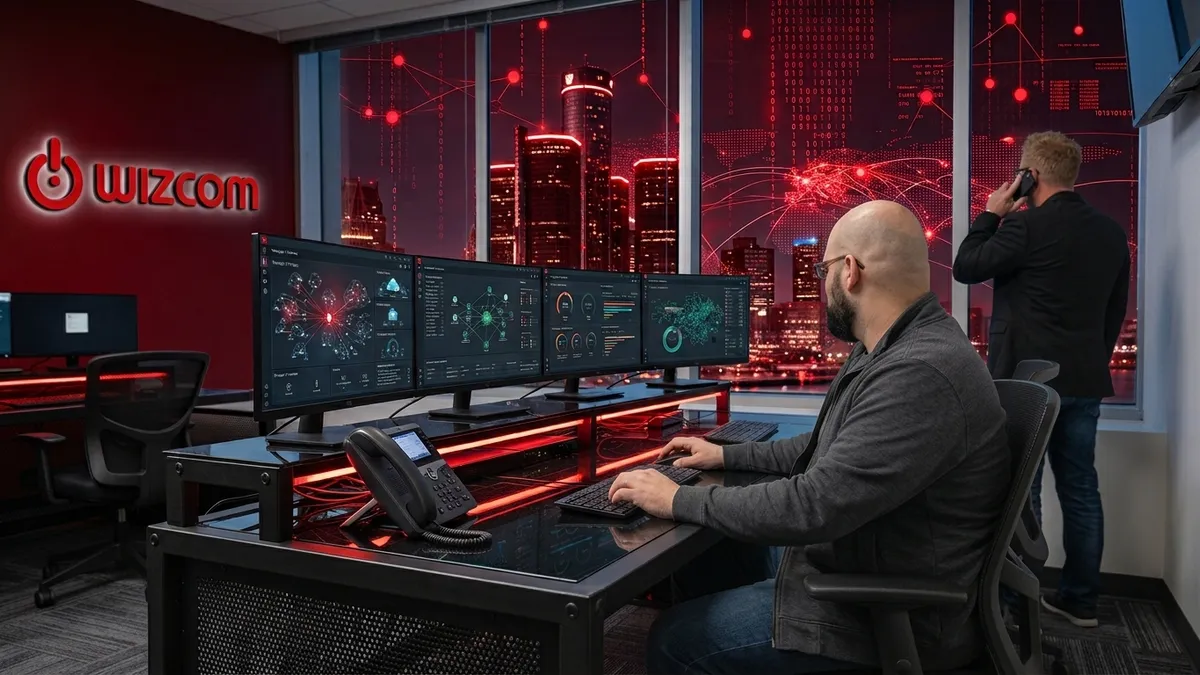
Wizcom has a physical office in Metro Detroit. When you call us, you reach a team that works with Michigan businesses every day, not a ticket queue in another time zone. If something goes wrong, we can talk you through it on the phone, connect remotely, or come to your office.
Your customers may never see the work behind the scenes. They will notice that you were reachable, your website was safe, and your business kept running while others were offline.
Frequently asked questions
Are small businesses really targets?
Yes. Most attacks today start with automated tools that scan the internet for any unpatched website, VPN or email system. They don't check how big you are first. A ten-person office running an outdated WordPress site or firewall is just as reachable as a large company.
How often should a small business back up its data?
For most businesses, critical data should be backed up at least daily, with more frequent backups for systems that change all day, like accounting or a customer database. Just as important: test a full restore on a regular schedule, at least once a quarter.
Is OneDrive, Google Drive or Dropbox a backup?
Not on its own. Sync tools copy changes everywhere, including deleted or encrypted files. If ransomware scrambles a folder on one computer, the scrambled version can sync to the cloud too. You still want a separate backup with version history that an attacker can't erase.
Does multi-factor authentication still protect us?
Yes. MFA still stops most account takeovers and you should keep it on everywhere. The SonicWall case this month shows it also has to be set up correctly and kept patched, which is why someone should be checking it regularly.
What should I do if I think we've been hit?
Disconnect the affected computer from the network (unplug the cable or turn off Wi-Fi), don't pay anyone, and call your IT team right away. Change important passwords from a different, clean device. The first hour matters, so it helps to have the number and the plan ready before you need them.
Not sure if your business was affected? Let's find out together.
Book a free IT strategy session with our Detroit team. We'll review your backups, patch status and remote access, and give you a straight answer. No jargon, no pressure.
Schedule Your Free IT Strategy SessionSources
- 1. Newsweek, Cyber Attack Hits 178 Major Websites: Full List of Organizations, November 2026.
- 2. BleepingComputer, CISA flags WordPress RCE flaw as actively exploited in attacks, November 4, 2026.
- 3. BleepingComputer, SonicWall warns of new SSL-VPN MFA bypass flaw exploited in attacks, November 6, 2026.
- 4. Stingrai, Recent Cyber Attacks 2026: Timeline of Confirmed Incidents, updated November 13, 2026.
- 5. CISA, CISA Adds Six Known Exploited Vulnerabilities to Catalog, November 2026.
- 6. CISA, CISA Adds Four Known Exploited Vulnerabilities to Catalog, November 9, 2026.
- 7. Euronews, EU Commission hit by large-scale cyberattack with data leakage unknown, November 19, 2026.
- 8. WDIV ClickOnDetroit, FBI investigates cyberattacks on water systems across seven states, Michigan among those hit, August 3, 2026.
Sources checked November 20, 2026.